

The inplace upgrade from Exchange Server 2019 CU15 to Exchange Server SE is just as easy as installing a CU for Exchange Server. The Inplace Upgrade to Exchange Server SE RTM only changes the license and the name, new features or other changes only come with the CU1 for Exchange Server SE.
The inplace upgrade to Exchange Server SE is only possible from Exchange Server 2019. Exchange 2016 must be migrated in the traditional way, as was previously the case. The Exchange Inplace Upgrade only supports the Exchange Server itself, not the underlying operating system. An Inplace Upgrade from Windows Server 2022 to Windows Server 2025 with Exchange Server installed is not supported and again requires a classic migration.
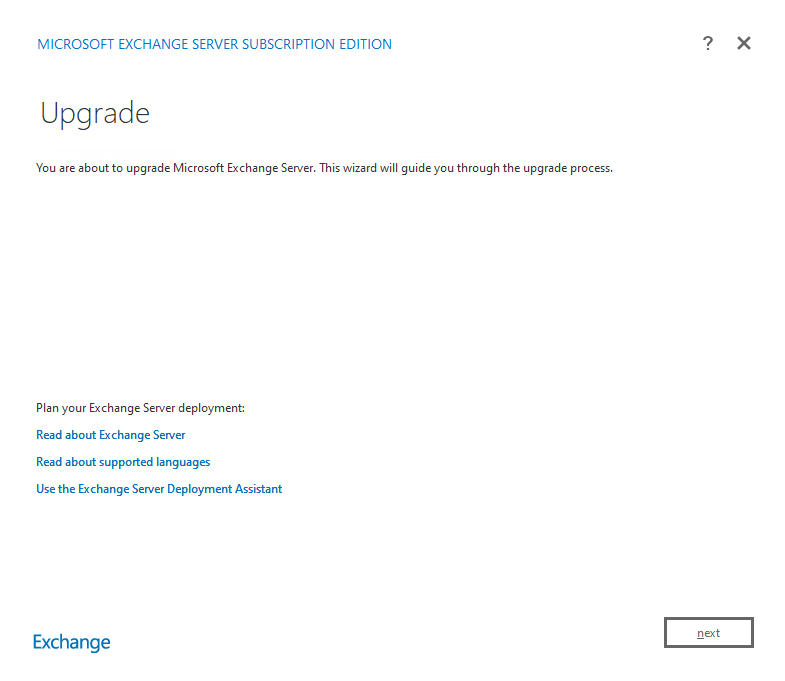
Here is the inplace upgrade from Exchange Server 2019 CU15 to Exchange Server SE RTM. Exchange Server RTM can be downloaded here:
As usual, the setup is started directly from the ISO:
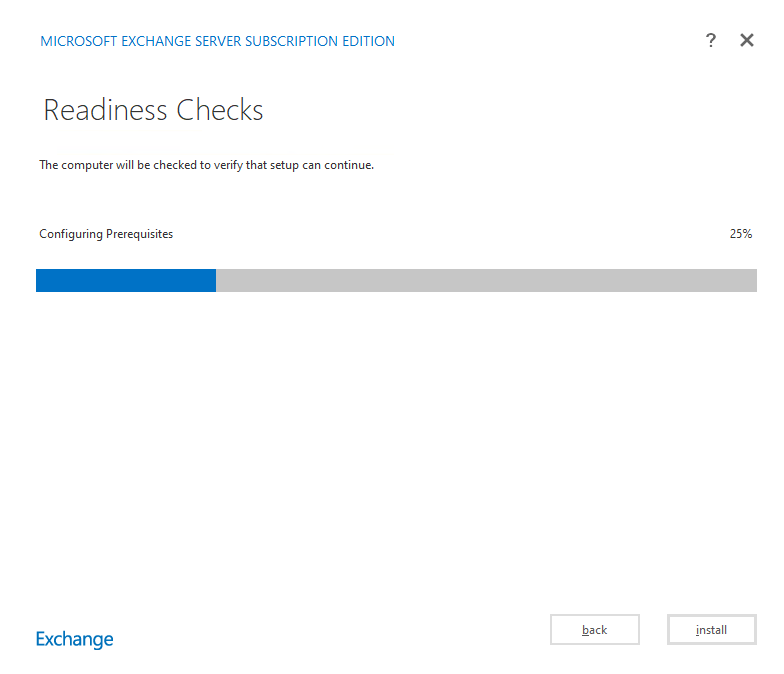
The readiness checks only take a moment:
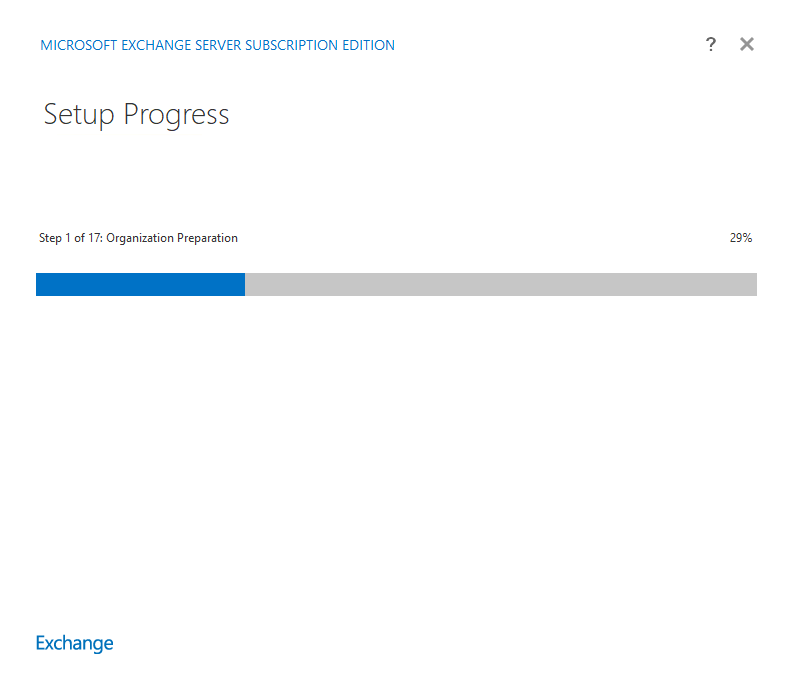
Nach der Prüfung kann schon direkt auf „Install“ geklickt werden, hier läuft nun der normale Update Prozess wie bei der Installation eines CUs. Allerdings dauert der Prozess auch genau so lange…
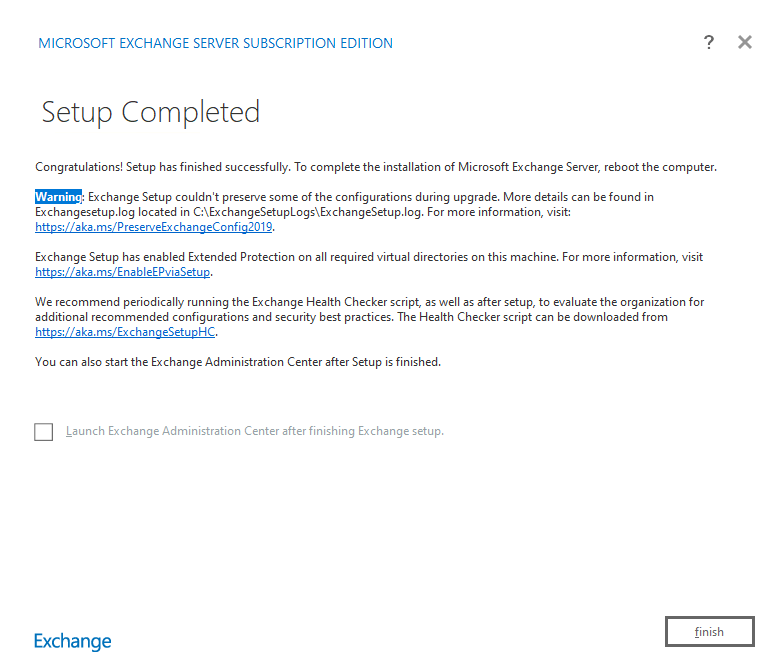
In my test environment, the installation of Exchange Server SE took just over an hour:
After the inplace upgrade, version 15.2 build 2562.17 is displayed.