

Actually useless, but I like to have my keys stored locally so that I don't have to log in all the time. The MSDN does offer the option of exporting the product keys as an XML file, but I don't have Excel everywhere...
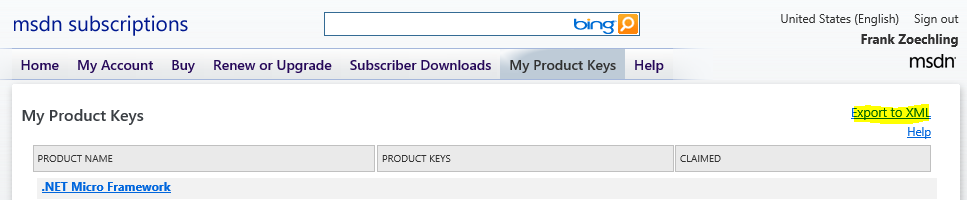
The XML file can be converted into a CSV file with the following Powershell script:
$keyfile = "c:\temp\KeysExport.xml"
$csvfile = "c:\temp\productkeys.csv"

$xmlfile = get-content $keyfile
$productkeys =@()
 $productlist = $xmlfile.YourKey.Product_Key
  foreach ($product in $productlist)
  {
   $productname = $product.Name
   $productkey = $product.key."#text"
   $productkeys += new-object PSObject -property @{Productname="$productname";Productkey="$productkey"}
  }
$productkeys
$productkeys | Export-Csv $csvfile -NoTypeInformation -Delimiter ";"
The CSV can also be opened easily with Notepad or similar and the product key can be found quickly.