

Microsoft provides the tool „Exchange On-premises Mitigation Tool (EOMT) for securing unpatched Exchange servers for download:
EOMT first secures the Exchange Server against the vulnerability CVE-2021-26855 using URL rewrite and then downloads the Microsoft Safty Scanner to check the server for a successful attack. However, EOMT does not install the available updates but only implements a workaround, so the updates must be installed separately.
EOMT is therefore intended to help admins who are unable to patch the servers quickly, for example because the systems are distributed among many customers. As with „ExchangeMitigations.ps1“, EOMT is a PowerShell script that also attempts to rectify the effects of a successful attack. Someone affected would have to try out whether this really works. Perhaps a reinstallation of the server can be avoided in this way. However, the extent to which you want to trust the tool is up to you. EMOT only scans the Exchange server, it cannot determine whether an attacker has already penetrated deeper into the network.
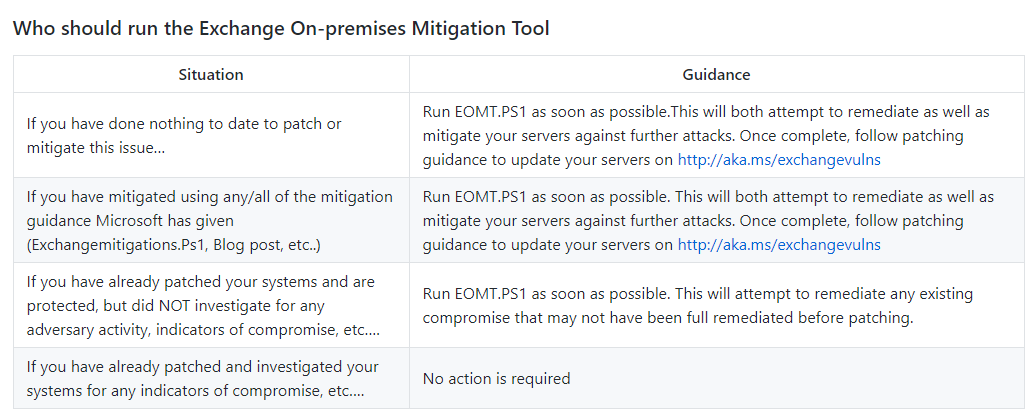
Important: Vulnerable Exchange servers must be supplied with the updates, EOMT should only provide a little more time here. Even those who have already installed the updates can use EOMT to check whether there are any indications of a successful attack:
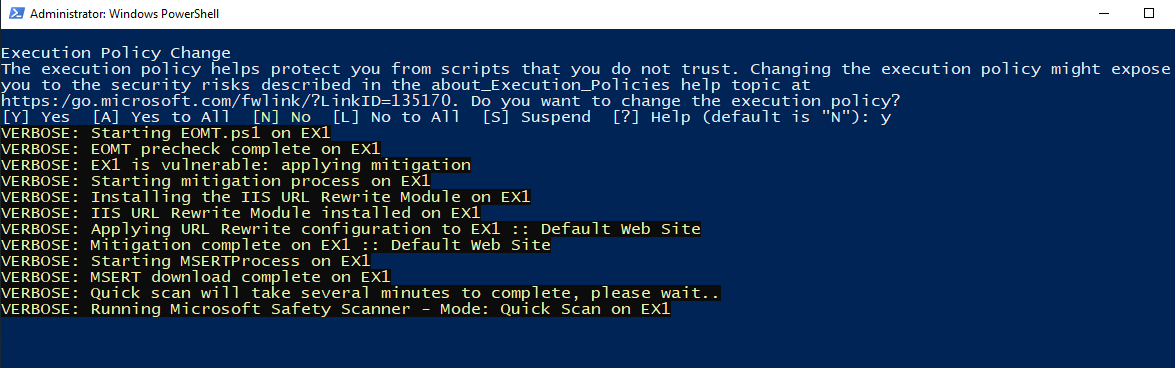
EOMT can simply be executed via PowerShell and then runs automatically. The server must have access to the Internet so that the Safty Scanner and the IIS rewrite module can be downloaded. The script then runs automatically:
After the script has run, the log file can be found under C:\
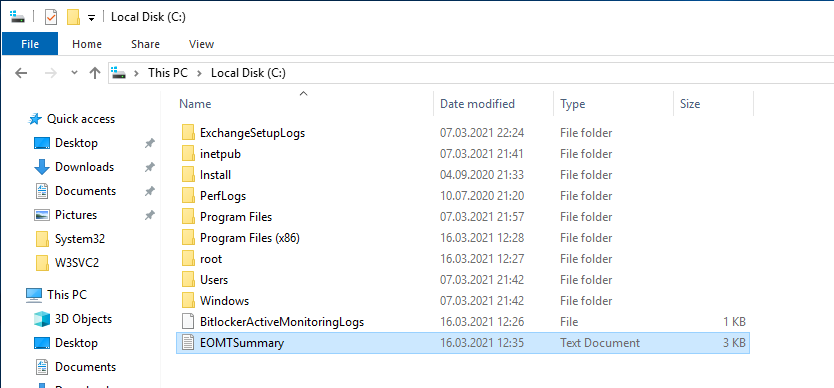
The EOMTSummary.txt file also contains the directory where further logs were recorded.