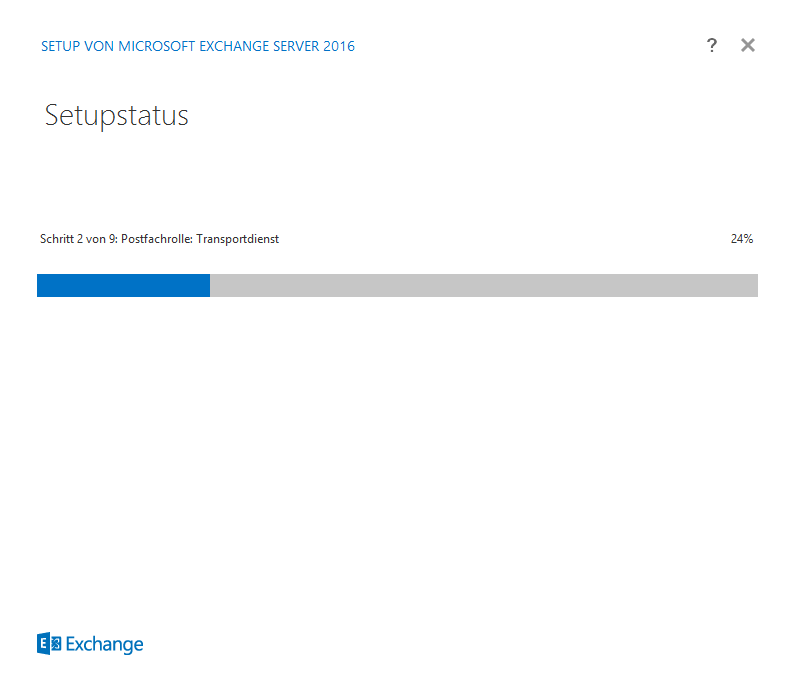
If you also encounter the following errors when installing Exchange 2016, I can perhaps save you a bit of searching:
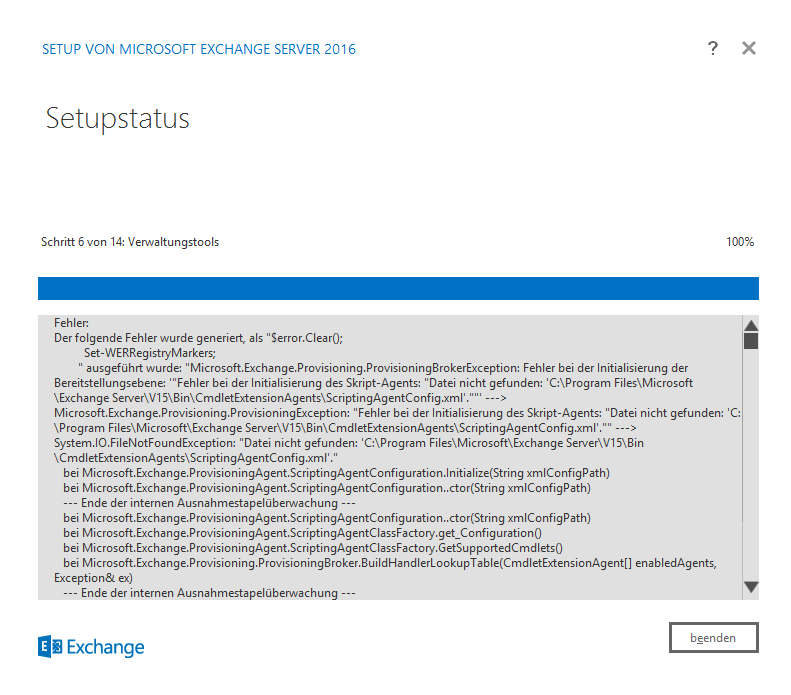
Error:
The following error was generated when "$error.Clear();
Set-WERRegistryMarkers;
“ was executed: „Microsoft.Exchange.Provisioning.ProvisioningBrokerException: Error initializing the provisioning level: ‚“Error initializing the scripting agent: „File not found: ‚C:\Program Files\Microsoft\Exchange Server\V15\Bin\CmdletExtensionAgents\ScriptingAgentConfig.xml‘.““‚ -> Microsoft.Exchange.Provisioning.ProvisioningException: „Error initializing the scripting agent: „File not found: ‚C:\Program Files\Microsoft\Exchange Server\V15\Bin\CmdletExtensionAgents\ScriptingAgentConfig.xml‘.““ -> System.IO.FileNotFoundException: „File not found: ‚C:\Program Files\Microsoft\Exchange Server\V15\Bin\CmdletExtensionAgents\ScriptingAgentConfig.xml‘.“
for Microsoft.Exchange.ProvisioningAgent.ScriptingAgentConfiguration.Initialize(String xmlConfigPath)
for Microsoft.Exchange.ProvisioningAgent.ScriptingAgentConfiguration..ctor(String xmlConfigPath)
- End of internal exception stack monitoring -
for Microsoft.Exchange.ProvisioningAgent.ScriptingAgentConfiguration..ctor(String xmlConfigPath)
for Microsoft.Exchange.ProvisioningAgent.ScriptingAgentClassFactory.get_Configuration()
for Microsoft.Exchange.ProvisioningAgent.ScriptingAgentClassFactory.GetSupportedCmdlets()
for Microsoft.Exchange.Provisioning.ProvisioningBroker.BuildHandlerLookupTable(CmdletExtensionAgent[] enabledAgents, Exception& ex)
- End of internal exception stack monitoring -
for Microsoft.Exchange.Provisioning.ProvisioningLayer.GetProvisioningHandlersImpl(Task task)
for Microsoft.Exchange.Provisioning.ProvisioningLayer.GetProvisioningHandlers(Task task)
for Microsoft.Exchange.Configuration.Tasks.Task.b__4()
for Microsoft.Exchange.Configuration.Tasks.Task.InvokeNonRetryableFunc(Action func, Boolean terminatePipelineIfFailed)“.
The relevant part is as follows:
File not found: ‚C:\Program Files\Microsoft\Exchange Server\V15\Bin\CmdletExtensionAgents\ScriptingAgentConfig.xml‘
Background: I have tried Exchange 2016 in an existing Exchange 2013 organization with activated Scripting Agent to be installed. The ScriptingAgentConfig.xml file can therefore not exist on the Exchange 2016 servers currently being installed.
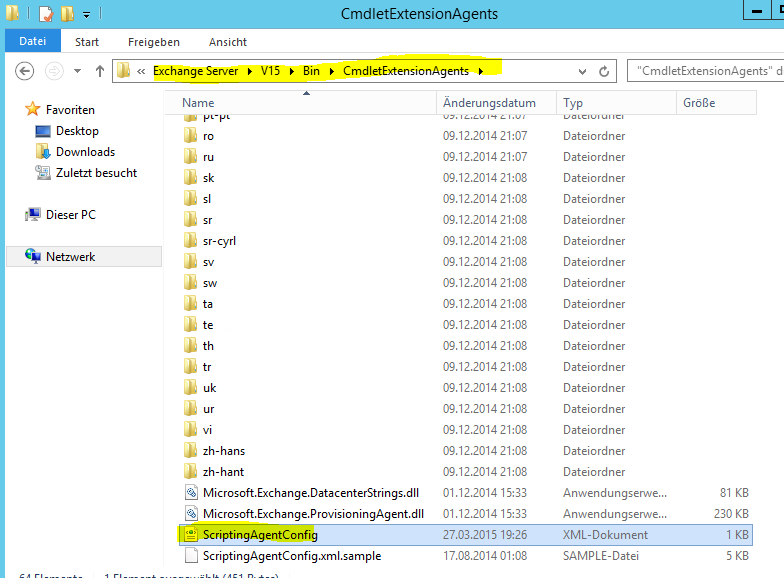
Troubleshooting: As the installation of Exchange 2016 can now only be completed incompletely, the ScriptingAgentConfig.xml file can be copied from an existing Exchange server to the corresponding directory on the Exchange 2016 server. The setup can then be continued.
Simply copy the file from the path specified above from an existing Exchange server to the corresponding directory on the incompletely installed server and restart the setup.
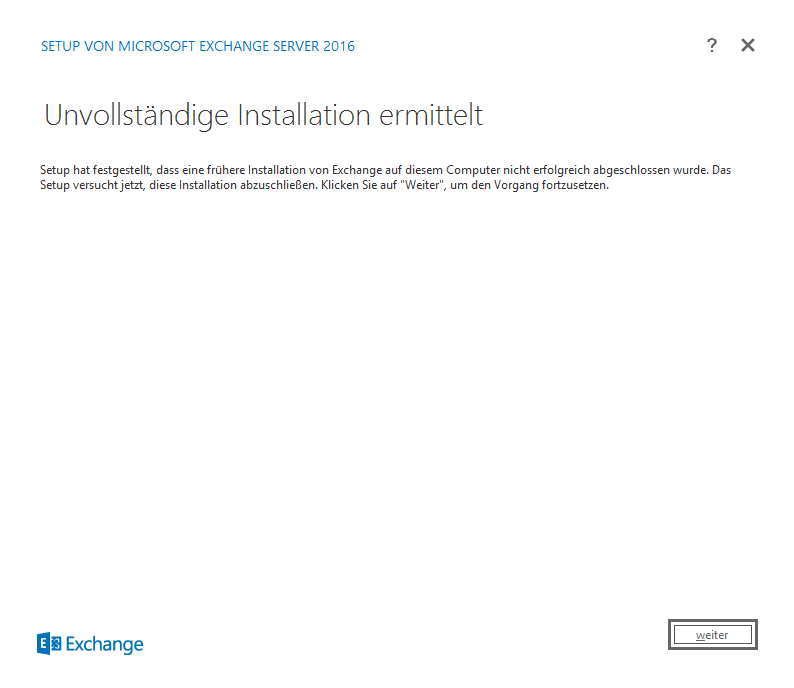
After copying the file, the installation runs smoothly.